Harvested feeds 📱
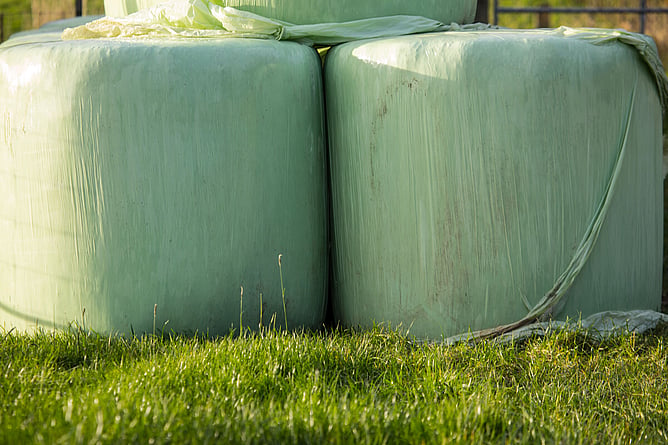
Manage harvested feeds on your mobile, with the ability to sell it or store it (add it to your inventory). You can create a new feed product or add it to an existing one, and you can store the feed against a location, such as a silo or silage bunker. Inventory numbers will increase automatically if you store the feed.
Export block shape files 💻
On the FarmIQ web app you can choose specific farm block to export instead of the exporting the entire farm. For example, if you want to share the boundaries a lease block, a forestry block or a high country block with another digital land management system, you can select this block layer on your FarmIQ map and then click Office > Data Files > Export Farm Shapefiles.
Universal search 💻
There's a new search bar up the top of the web app to help you find almost any menu feature or topic area of FarmIQ! Search for a menu, feature, report, setting or topic (even partial words or phrases) and you'll be shown a list of all the relevant options. Then, select an option to be taken right where you need to go.
Note: this search is for finding features and tools in FarmIQ. If you want to search your own farm records or notes you can do that in the calendar/diary search.